Lose the thread in a call?Get a line to rejoin.Only you can see it.
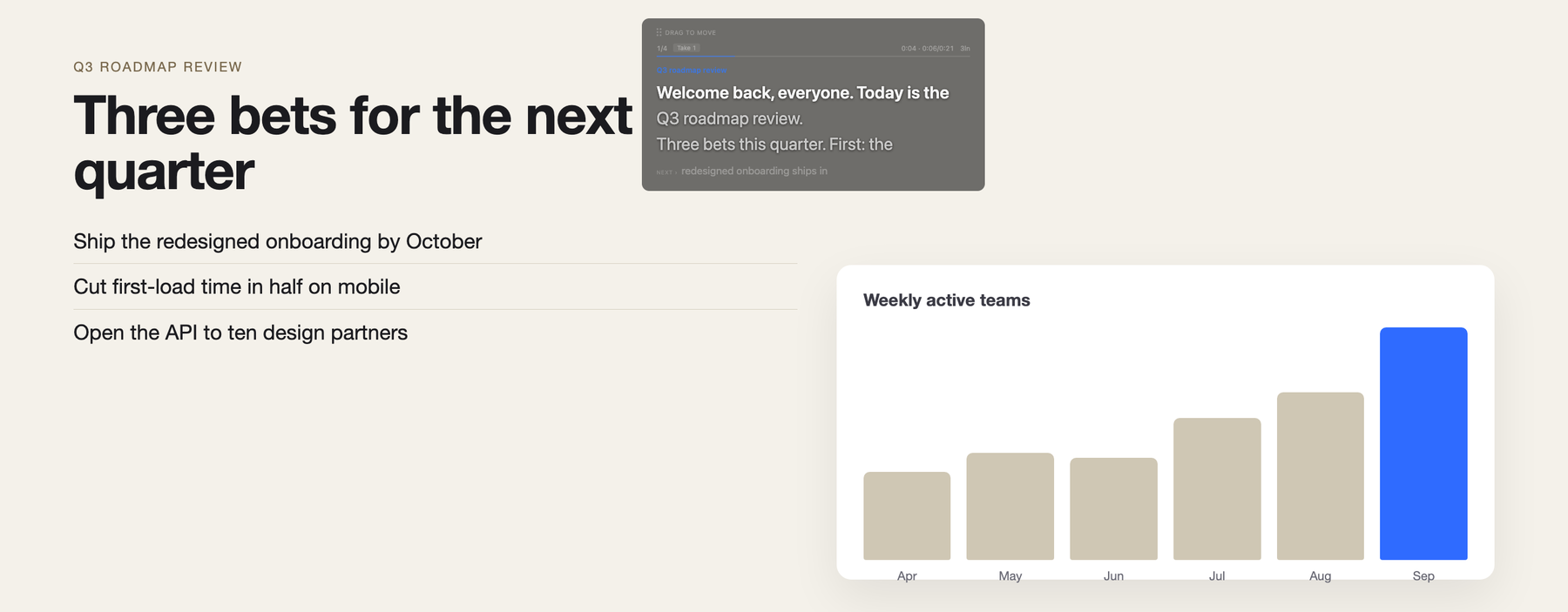
PresentDock is a macOS menu bar app. It listens to your call through your Mac and keeps one card in an overlay hidden from screen sharing: what is happening, and a line you could say out loud. Ask "What did I miss?" and it scrolls the call back and hands you a line to rejoin. It stays quiet when nothing needs you.
Your own keys, no account, no subscription.
For conversations you are part of and accountable for
I am Ivor Padilla and I build PresentDock alone. It is for sales calls, client calls, team meetings, webinars and the things you present: conversations where you have to listen, think and speak at the same time, and where "sorry, I missed that" costs you something.
It is not built or sold for passing an interview. In a call it hands you a line to rejoin or a line to say. The rehearsal mode works against your own screen and reveals one hint at a time, never the whole answer.
It never reads terminals, password managers or private browsing windows, on any setting.
A private line during the call
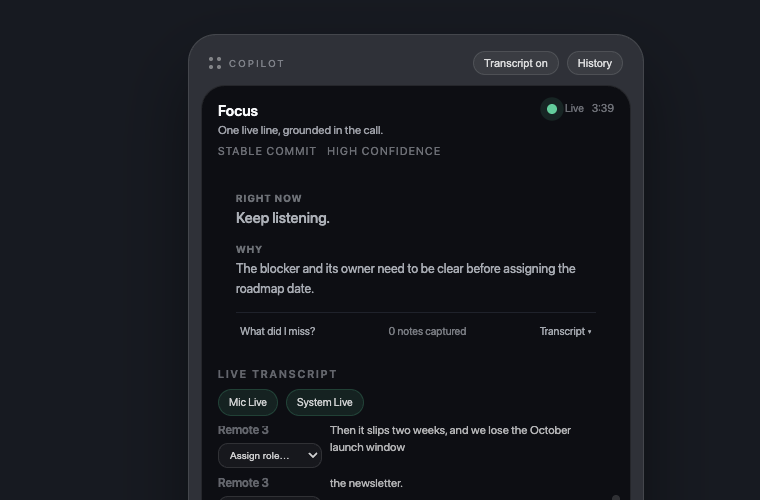
PresentDock listens to both sides of the call through your Mac and thinks once per finished sentence. When something needs you it shows one card, in an overlay hidden from screen sharing: what is happening, why, and a line you could say. The card holds still while people talk. Most of the time it shows nothing, because nothing needed you.
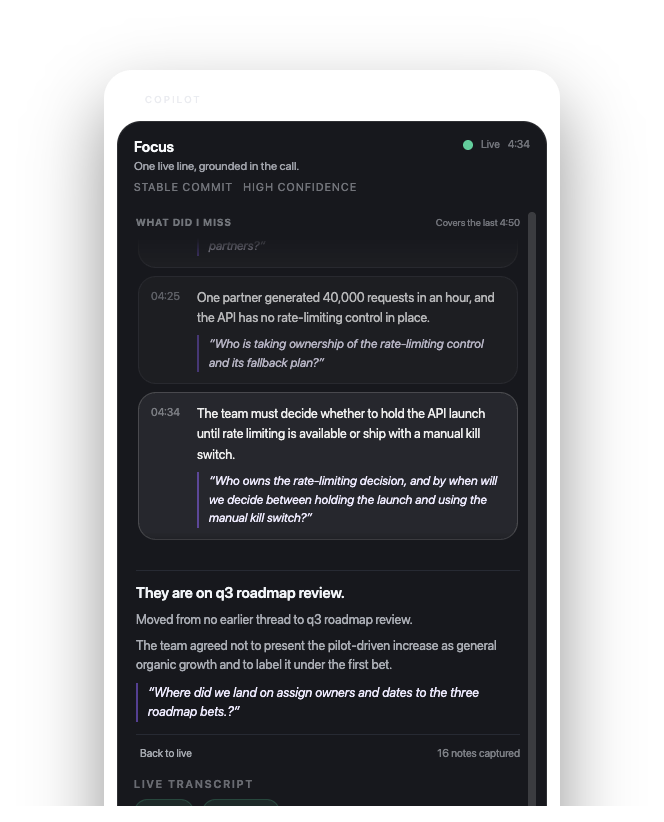
Ask "What did I miss?" and the card becomes a timeline of the whole call: older moments compressed to a line each, the last three minutes in full, and a question you can ask out loud that a listener who never drifted might also have asked.
You choose when it may interrupt: important moments only, balanced, or coaching you actively.
| No. | Item | Where | Remark |
|---|---|---|---|
| 01 | What it reads and records | On this Mac | Screen readings, Computer History and the call's memory stay on your Mac. Audio goes to Deepgram for speech to text. Text goes to the model provider you chose. Error reports go to Sentry unless you opt out. |
| 02 | The other people on the call | Your responsibility | PresentDock transcribes both sides of the call through your Mac. Telling the other people on the call is your responsibility; the app does not do it for you. |
| 03 | Overlay, Chat, bar, teleprompter | Hidden from screen sharing | macOS content protection. Covers screen-sharing apps and recordings, not a camera pointed at the display. |
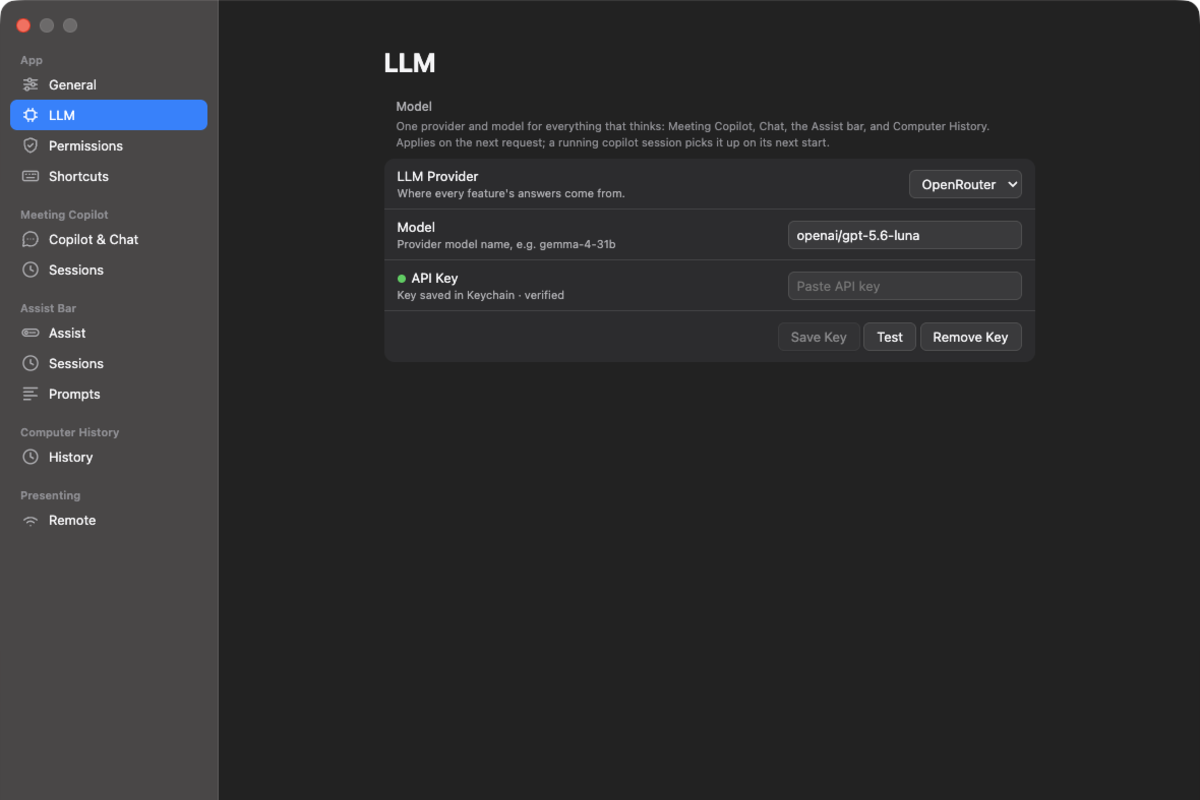
| 04 | AI model and speech to text | Your own keys | One key for the model, from Cerebras, OpenAI or OpenRouter, and one for Deepgram, saved in the macOS Keychain. You pay them per use. PresentDock adds nothing on top. |
| 05 | Account | None | No account with me. No subscription. |
| 06 | Price | $29 one-time | When it ships. Today there is a waitlist, no download and no buy button. |
| 07 | Platform | macOS 14 or later, Apple Silicon | Lives in the menu bar. No Dock icon. |
Made by one person, Ivor Padilla. 16 releases since July 2026, with a public changelog.
Ask about whatever is in front of you
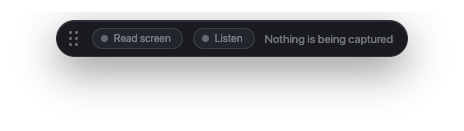
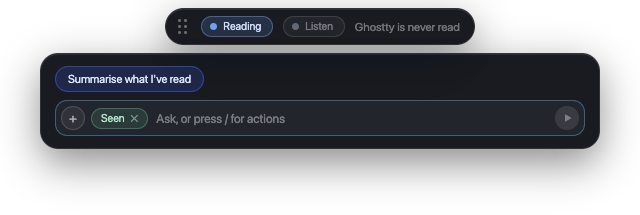
A small floating bar. Ask, and it reads the window in front of you, not the whole display. If you scrolled through a page, it stitches what you saw back into one article and answers about it. The bar says what it is reading while it reads, and says plainly when it refuses an app. You can limit reading to named apps, or block named apps and sites.
Rehearsing a pitch or a talk? Press "Coach me through this" and it works against your own screen and what you say aloud, revealing one hint at a time: a nudge, an on-track check, an approach, then the solution.
Chat is a frosted-glass window one shortcut away, hidden from screen sharing like the overlay.
- Terminals
- Password managers
- Private browsing
- Its own windows
An on-device log of your day, off by default
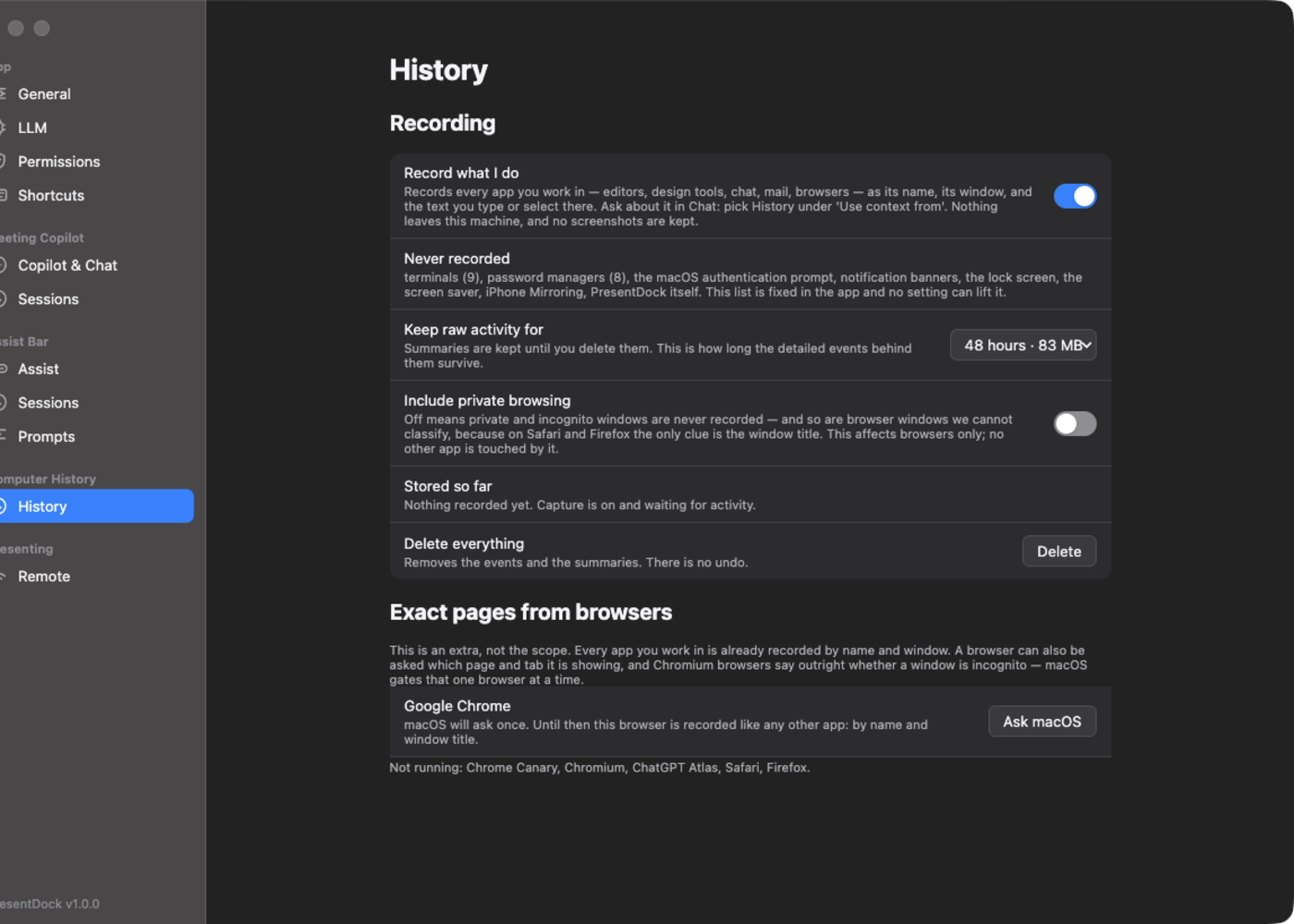
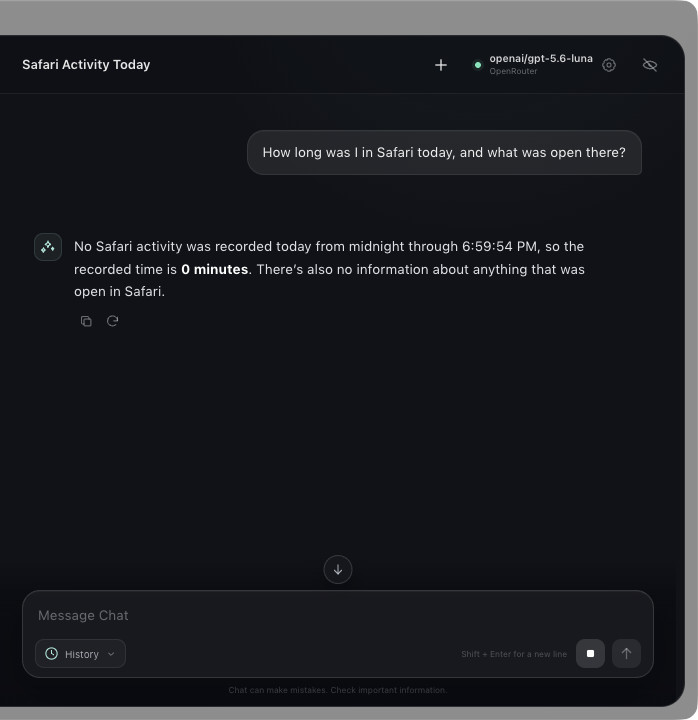
Turn it on and PresentDock keeps a record on this Mac of the apps and windows you were in and the text you typed there, no screenshots. Then Chat can answer questions about your day: how many tabs did I visit today, what was I writing at 3pm, how long was I in Figma.
Raw events keep for 24 hours, 48 hours, or a week; the pane shows the megabytes each choice costs. Summaries stay until you delete them. When it cannot tell whether a field is secure, it refuses the reading.
- Password fields
- Private browsing
- Terminals and password managers
- The lock screen and system security prompts
For when you present
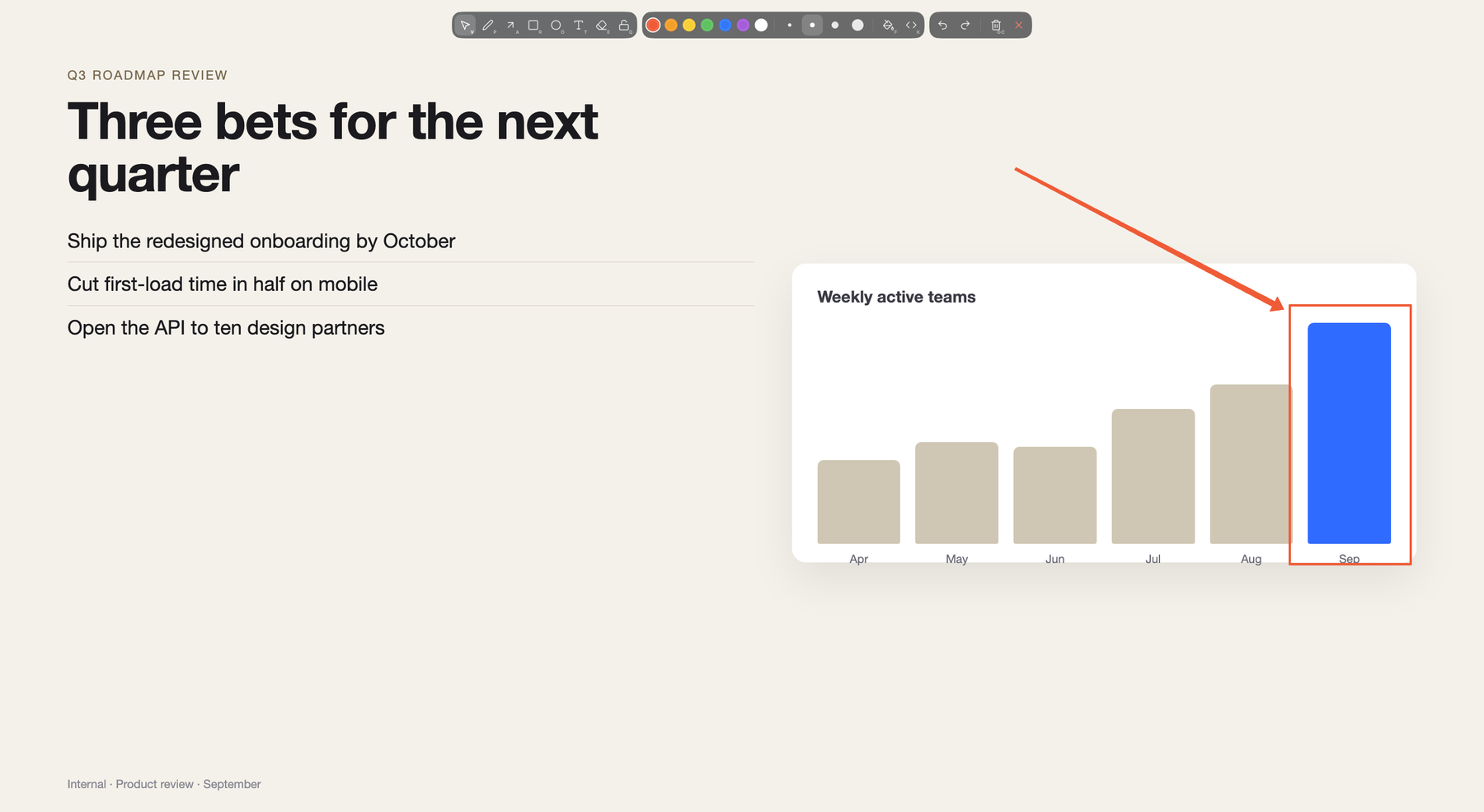
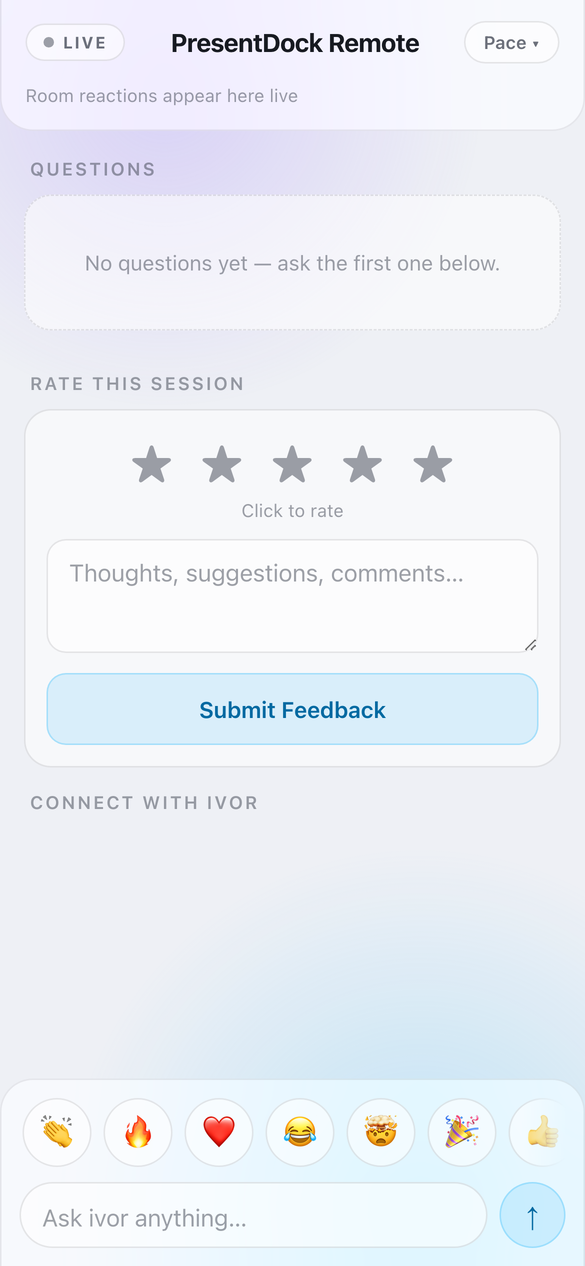
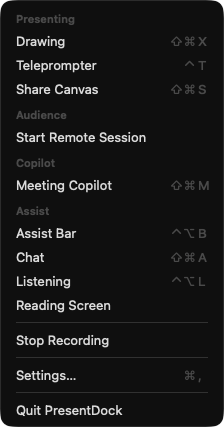
Draw on any screen: arrows that snap to shapes, ghost strokes that vanish when you release Ctrl+Option, zoom into what is under a box, code blocks with syntax highlighting. A teleprompter hidden from screen sharing. An audience page on phones for reactions and questions. Share Canvas mirrors an annotated region into a call. All of it from the same menu bar icon.
Tell me if you want this
It is not on sale yet. If you live in calls and want help staying in them without handing your transcript and screen to a service, leave your email. A line about how you work is what tells me whether to keep going.